
Custom booking system or a ready-made booking tool? How to decide
When an off-the-shelf booking tool is enough, when a custom booking system is worth it, and the questions to answer before you choose either.
By Daniyaal6 min read
One of the questions I'm asked most is whether a business or organisation needs a custom booking system, or whether one of the many ready-made booking tools will do.
The honest answer is that it depends on what you're booking and how much your process differs from everyone else's. Plenty of organisations are well served by an off-the-shelf tool. Others spend years working around one. This guide walks through how to tell which camp you're in.
When a ready-made booking tool is enough
Off-the-shelf booking tools are built for the most common case: a customer picks a service, chooses a time slot and pays. If that describes you, a ready-made tool is usually the quickest and simplest option.
It's likely to be a good fit if:
- you book time slots (appointments, classes, consultations) rather than physical items;
- your rules are simple: the same price for everyone, and bookings are confirmed straight away;
- you're happy for the booking pages to look like the tool's, with your logo added;
- the tool's fees and limits work for the number of bookings you take;
- nobody on your team is keeping a spreadsheet alongside it to fill the gaps.
If all of those are true, start there. You can always move later, and you'll have learned exactly what you need.
Signs your process doesn't fit a standard tool
The trouble starts when your booking process has steps a generic tool wasn't designed for. These are the signs I look for:
- You book things, not time. Equipment, vehicles, rooms or kit, where each item has its own availability and has to be collected and returned.
- Different customers follow different rules. Prices that change by customer type or booking length, or approved groups who book for free.
- Bookings need approval. Someone has to check and confirm a booking before it's final.
- You need information up front. Forms, documents or agreements that must be in place before a booking is confirmed.
- More than one organisation or location, each with its own items, staff and rules.
- The workarounds are piling up. Spreadsheets, email threads and paper forms running alongside the booking tool, with details copied between them by hand.
One or two of these can often be handled with a well-chosen plugin or some careful setup. When most of them apply, a standard tool will keep getting in the way.

The middle ground: your website with a booking system built in
There's a useful option between a stand-alone tool and a fully custom build: a booking system integrated into your own website.
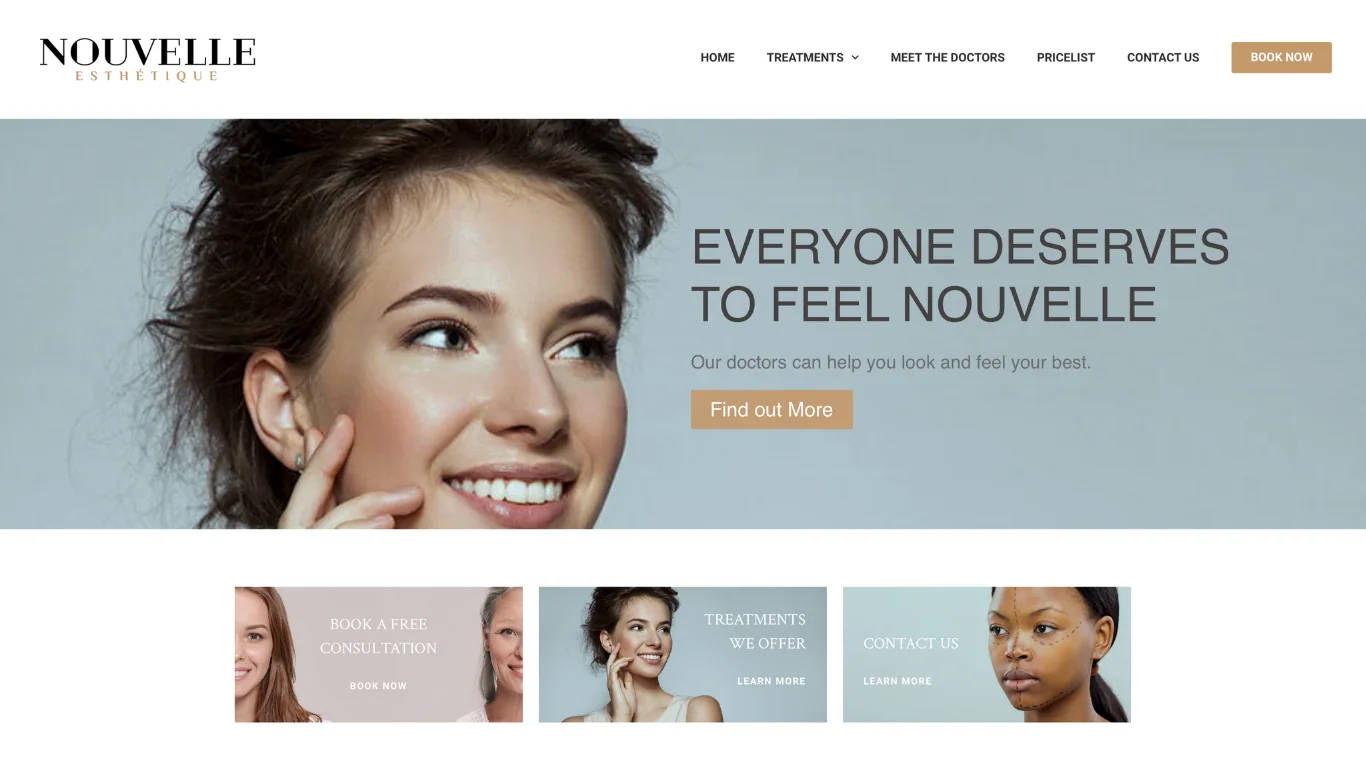
That's what I built for Nouvelle Esthetique, a doctor-led aesthetics practice. Patients choose a doctor, treatment, location and time slot, then pay securely as part of the booking. Each doctor is notified of new bookings, approves or declines them, and manages their own schedule from a calendar view, including blocking out time when they're unavailable.
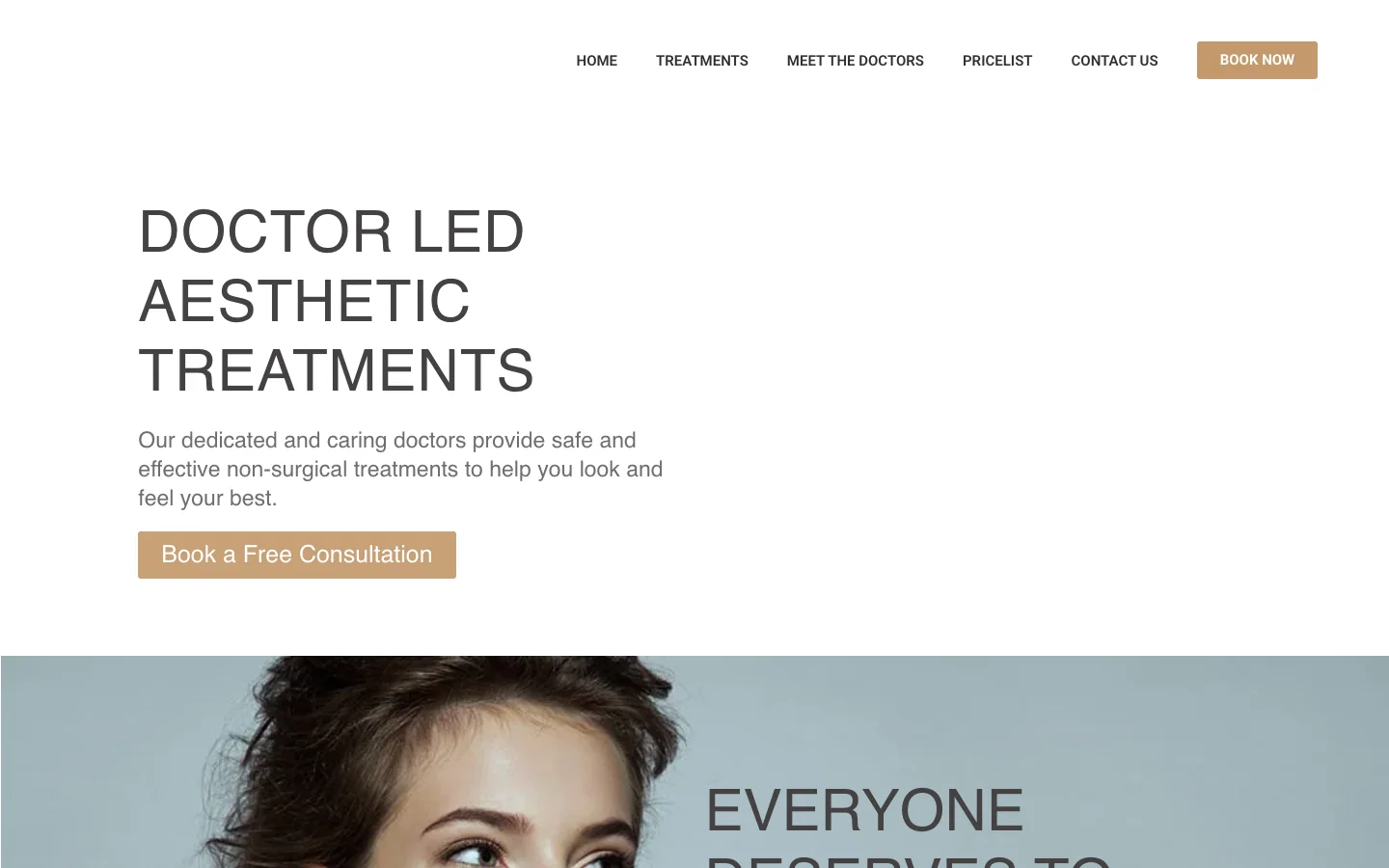
Booking happens on the practice's own WordPress website, in its own branding, rather than on a separate booking site. This works well when your needs are a little beyond the basics (approvals, several staff, several locations) but still follow a recognisable appointment pattern.
When a custom booking system is worth it
A custom system makes sense when the booking process is central to how you operate and nothing on the market fits it.
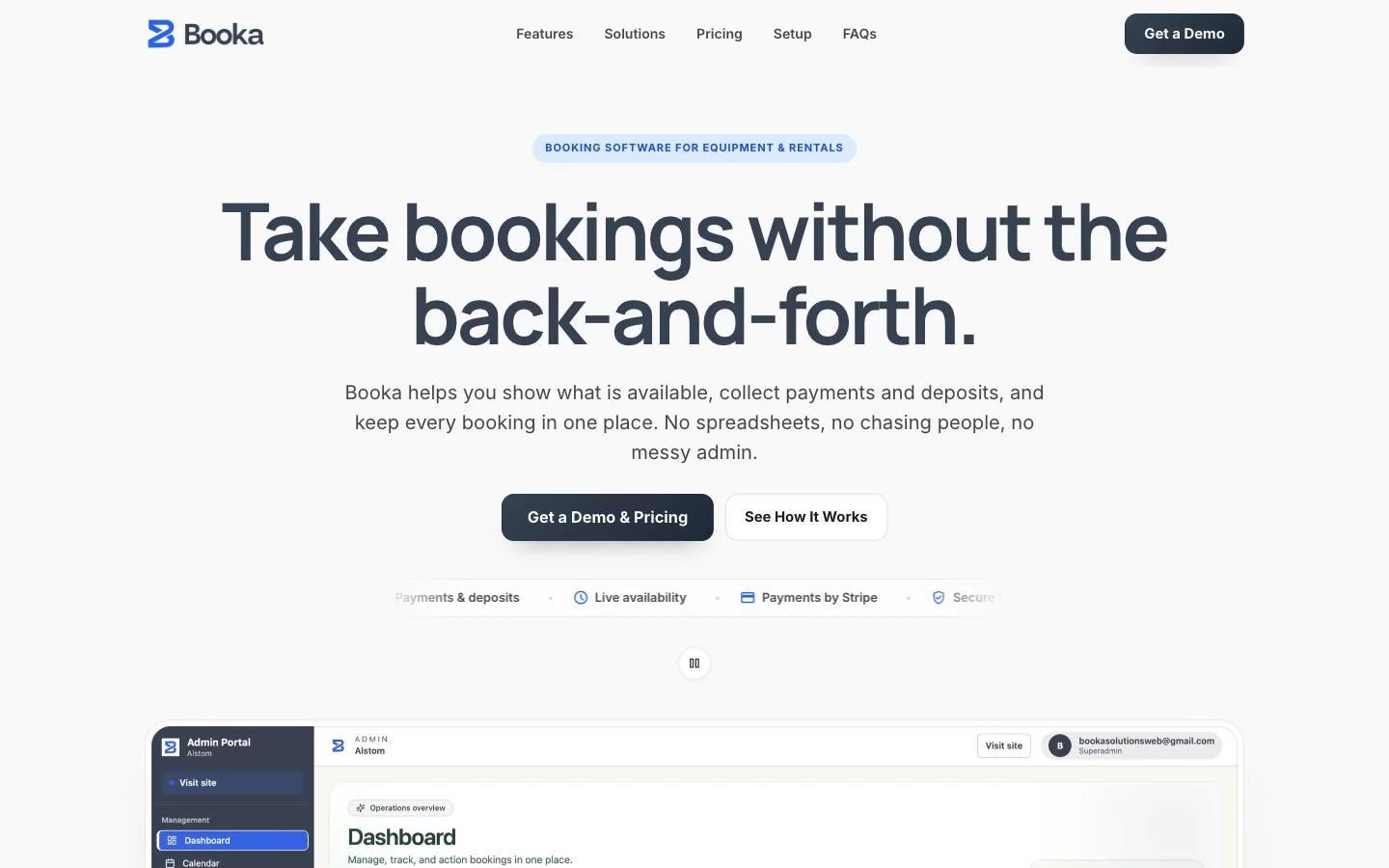
BookaSolutions started from exactly that problem. Organisations that lend or hire out equipment were running bookings across spreadsheets, email threads and paper forms. Things got missed, work was done twice, and items sat unused because nobody could see what was actually available.
So I built Booka as a single booking flow and admin system:
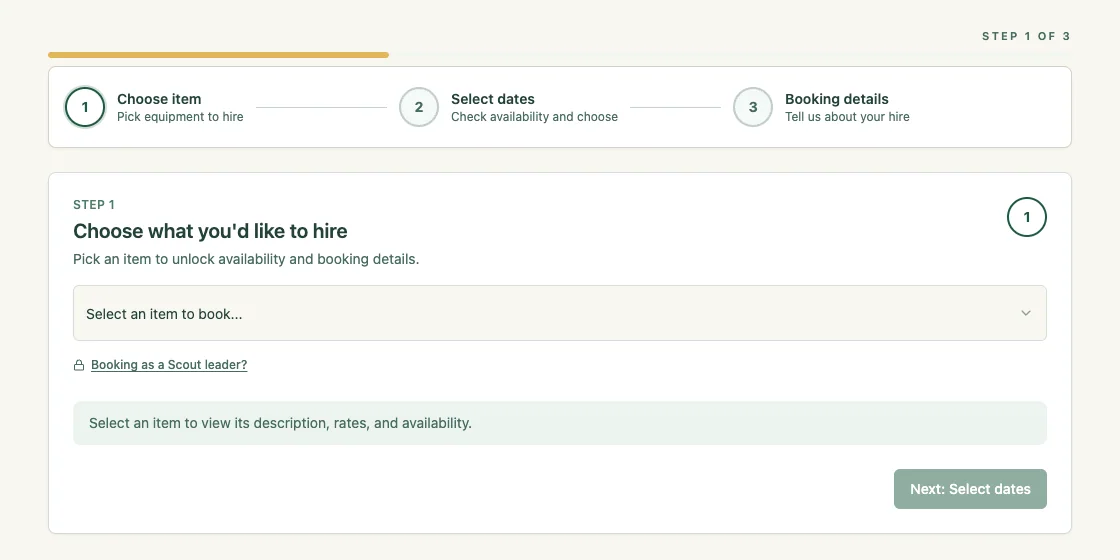
- each organisation gets a branded booking page where customers choose an item, check live availability and pick their dates;
- payments and deposits are taken in one checkout as part of the booking;
- pricing rules can vary by item, customer type or booking length, and approved groups can book for free;
- custom booking forms collect whatever the organisation needs before a booking is confirmed;
- simple check-out and check-in steps keep collections and returns accountable;
- automatic emails handle confirmations, reminders and follow-ups;
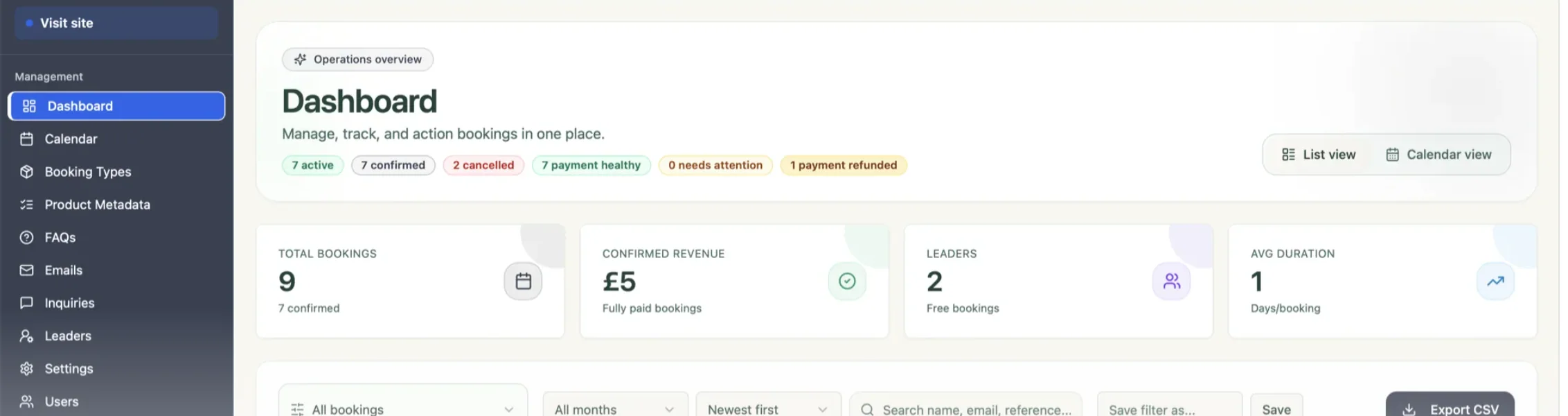
- staff get a dashboard with list and calendar views, filters and exports.
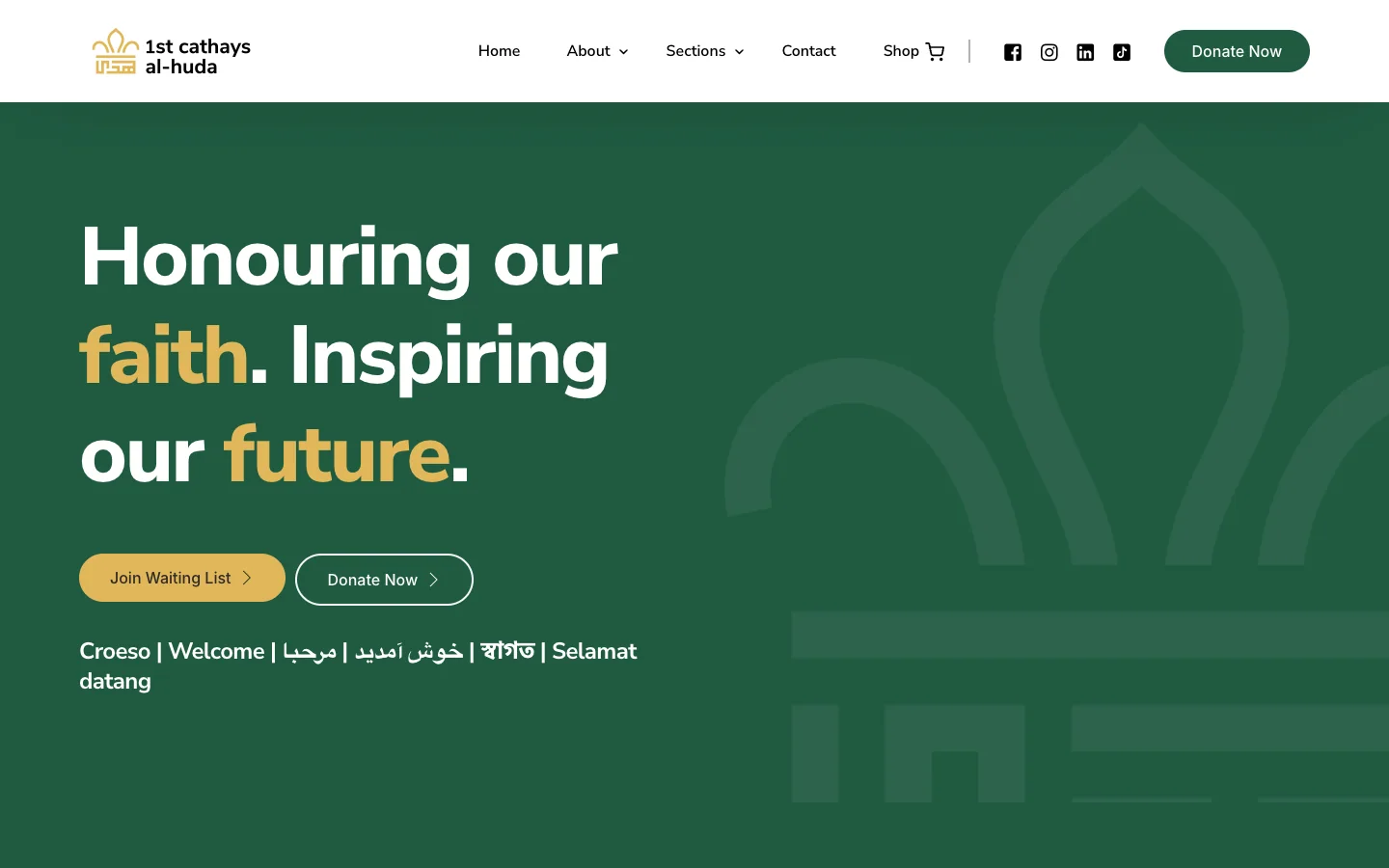
1st Cathays Al-Huda, a Cardiff Scout group, runs a branded version for hiring out its equipment and vehicles. Customers work through three steps (choose an item, select dates, give their details), and Scout leaders have their own booking route.
A custom system costs more up front than signing up to a tool, and it needs looking after. In return, it works the way you do rather than the other way round, and it can grow with you.
A quick comparison
| Ready-made tool | Website + booking system | Custom booking system | |
|---|---|---|---|
| Best for | Standard appointments and classes | Appointments with approvals, several staff or locations | Equipment, hire, approvals, complex pricing, several organisations |
| Time to set up | Fastest | Moderate | Longest |
| Fits your process | You adapt to the tool | Mostly, with some setup | Built around it |
| Branding | The tool's look, with your logo | Your website | Fully yours |
| Looking after it | Handled by the provider | Updates to your website and booking system | Ongoing support for your own system |
Questions to answer before you choose
Whichever way you're leaning, write down the answers to these first. They'll make any conversation with a developer, or any free trial, far more useful.
- What exactly is being booked? A person's time, a space, or a physical item?
- Who books, and do different people follow different rules?
- How do people pay? In full, a deposit, nothing at all, or a mix?
- What happens after someone books? Approval, forms, collection, reminders, returns?
- Who manages bookings day to day, and what do they need to see at a glance?
- What else needs the booking data? Accounts, email lists, reports?
- How might this change in the next two or three years? More locations, more items, more staff?
If your answers are short and simple, a ready-made tool will probably do. If they come with "it depends" and "except when", that's a sign a more tailored system will save you time.
How I approach it
My starting point is always the simplest option that fits how you actually work, not the most impressive one. Sometimes that's a well-configured booking system on your existing website. Sometimes it's a custom platform like Booka.
If you'd like to see how bookings, payments, accounts and an admin dashboard fit together, try the interactive demo. Or tell me about your booking process and I'll suggest the approach I'd take.